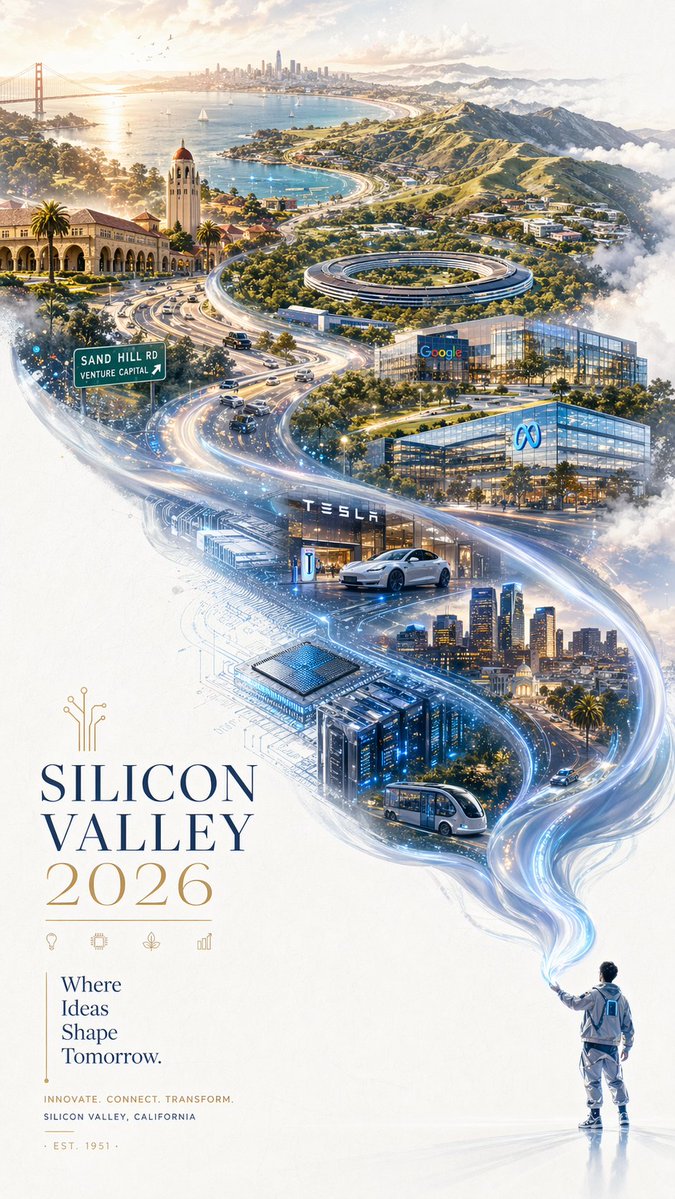
Text to Image
Turn prompts into usable visuals
Use clear text prompts to generate posters, thumbnails, product visuals, concepts, and social media assets.
From PromptText to Image
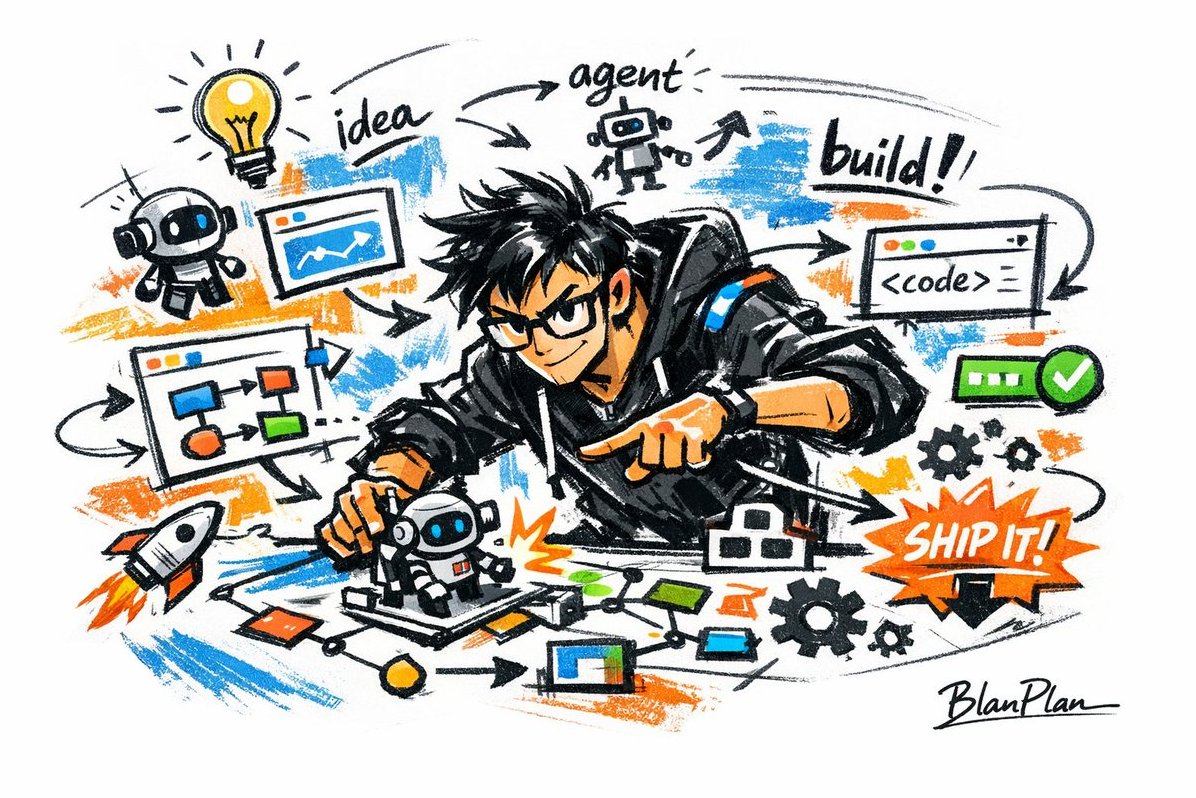
AI Builder Doodle Sketch
Case 36
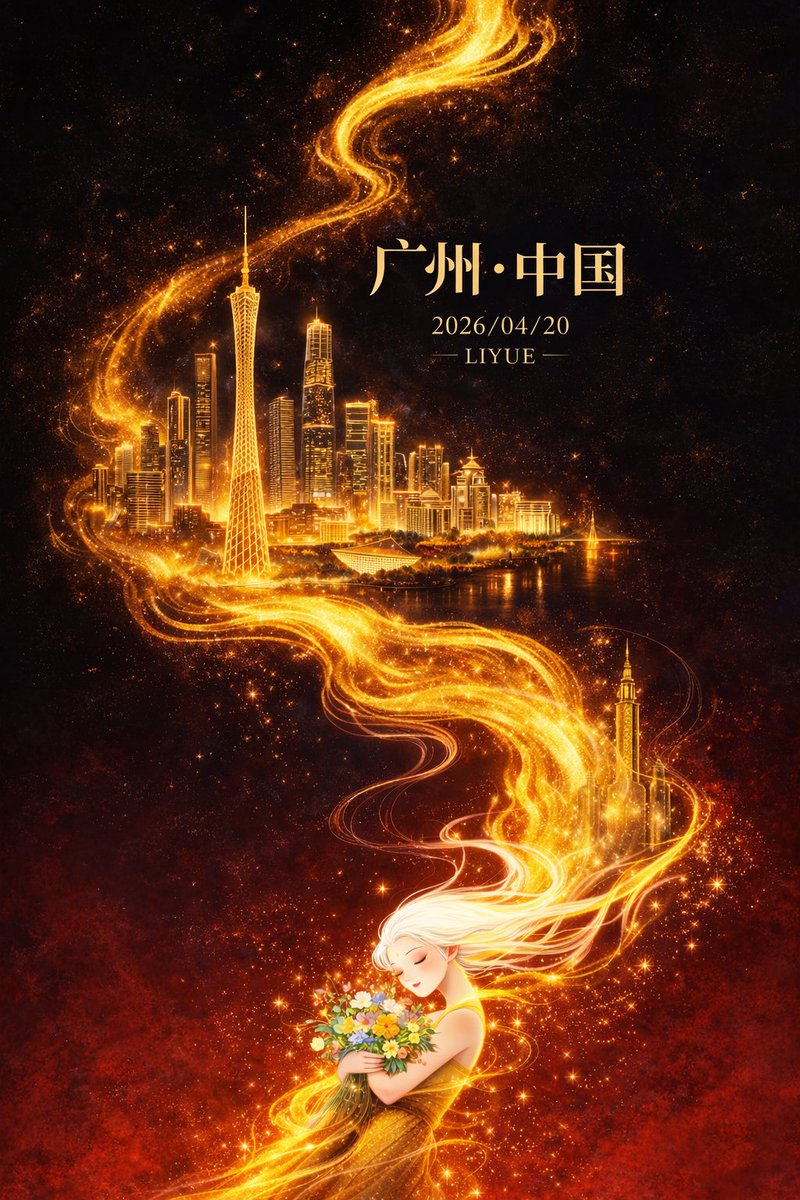
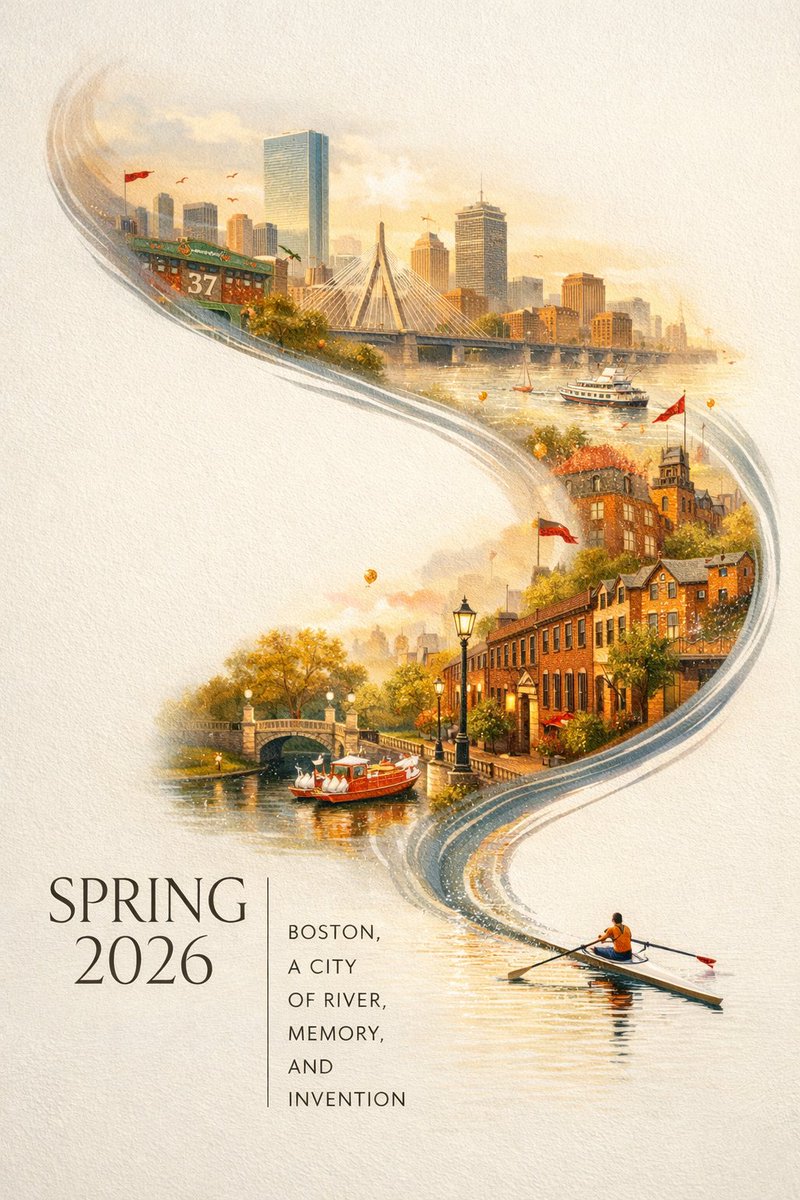
GPT Image 2 Generator
Use GPT Image 2 to create images from text prompts, edit uploaded reference images, and generate posters, product visuals, UI mockups, portraits, and social assets.
Start from text when exploring new concepts. Switch to image-to-image when you need stronger control over style, layout, and visual consistency.
Prompt
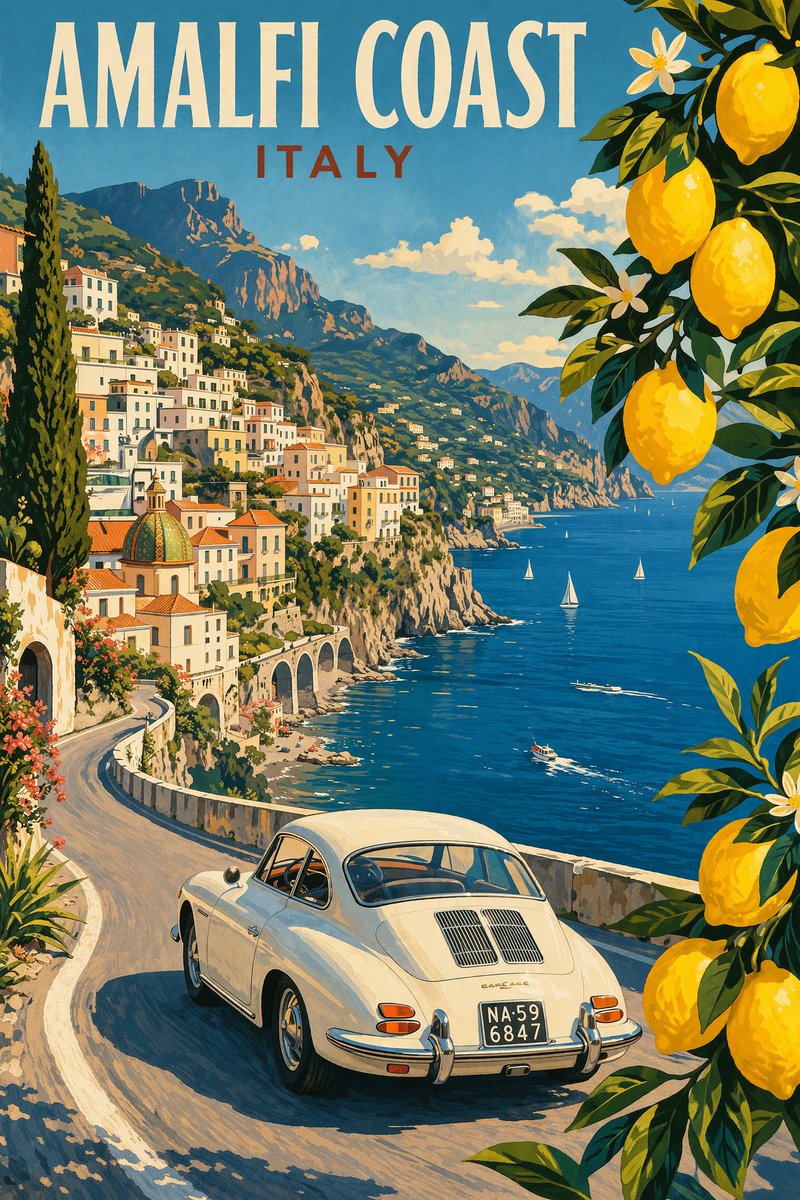
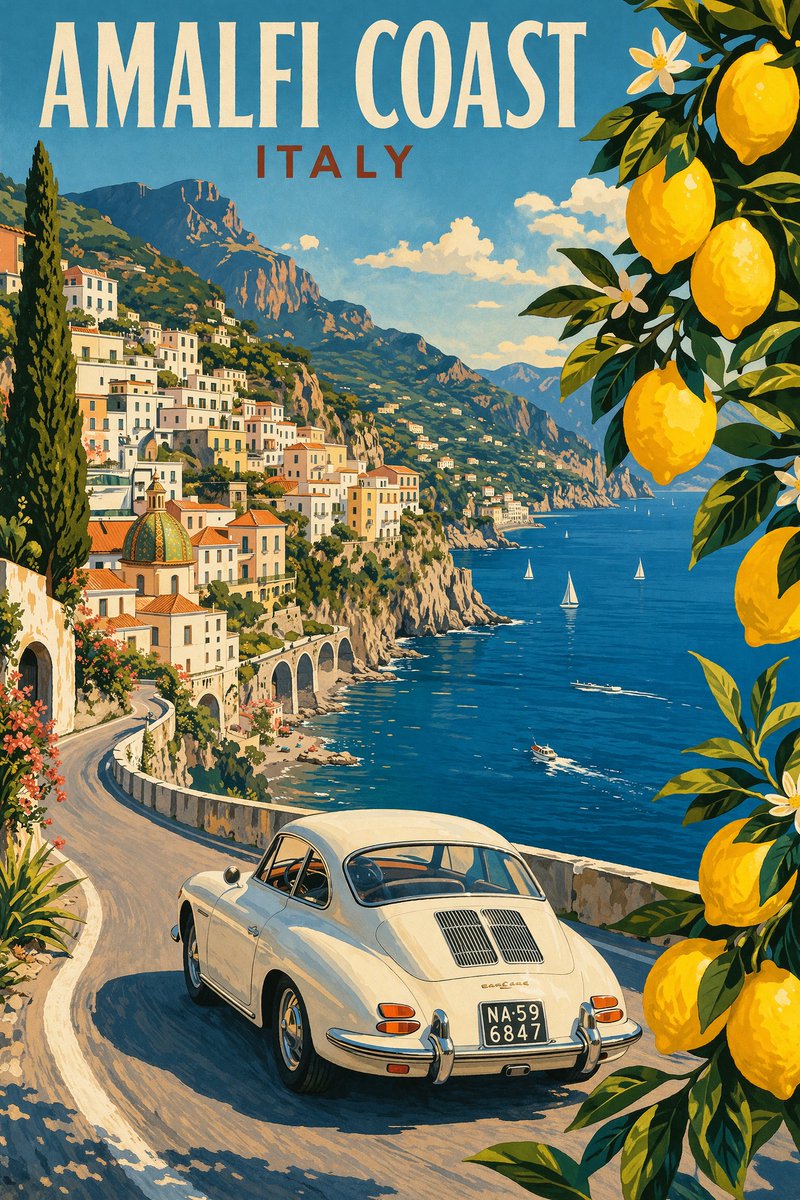
A vintage travel poster style with Mediterranean colors, elegant title-friendly whitespace, coastal architecture, and sunny atmosphere.
Review recent GPT Image 2 outputs, compare versions, and reopen prompts directly in the browser.
After signing in, recent generations, downloads, and previews will be tied to your account.
Browse tools built for specific tasks, such as palm reading and AI hairstyle matching. Upload the required image, choose output settings, and generate results directly without writing a prompt.
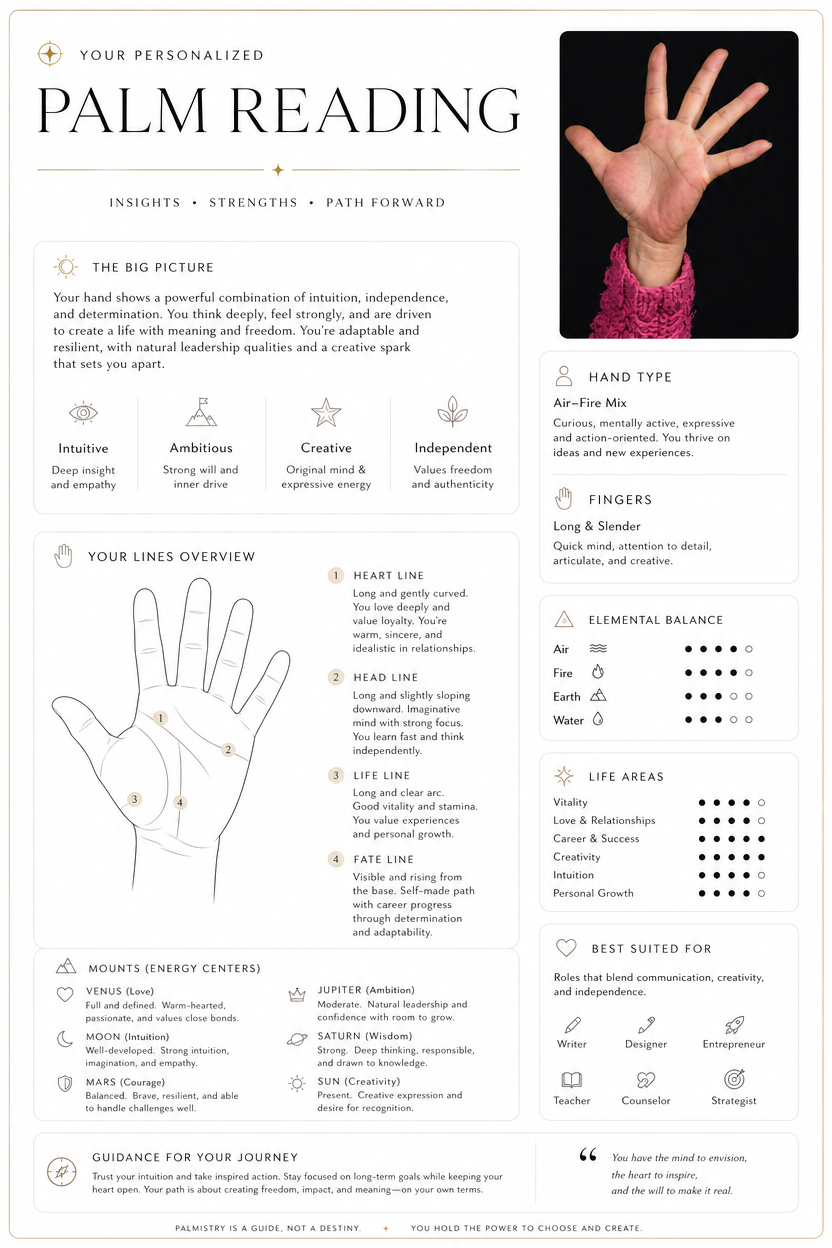
Palm reading
Turn a palm photo into a visual palm reading image with palm-line drawings, info cards, and short interpretations.
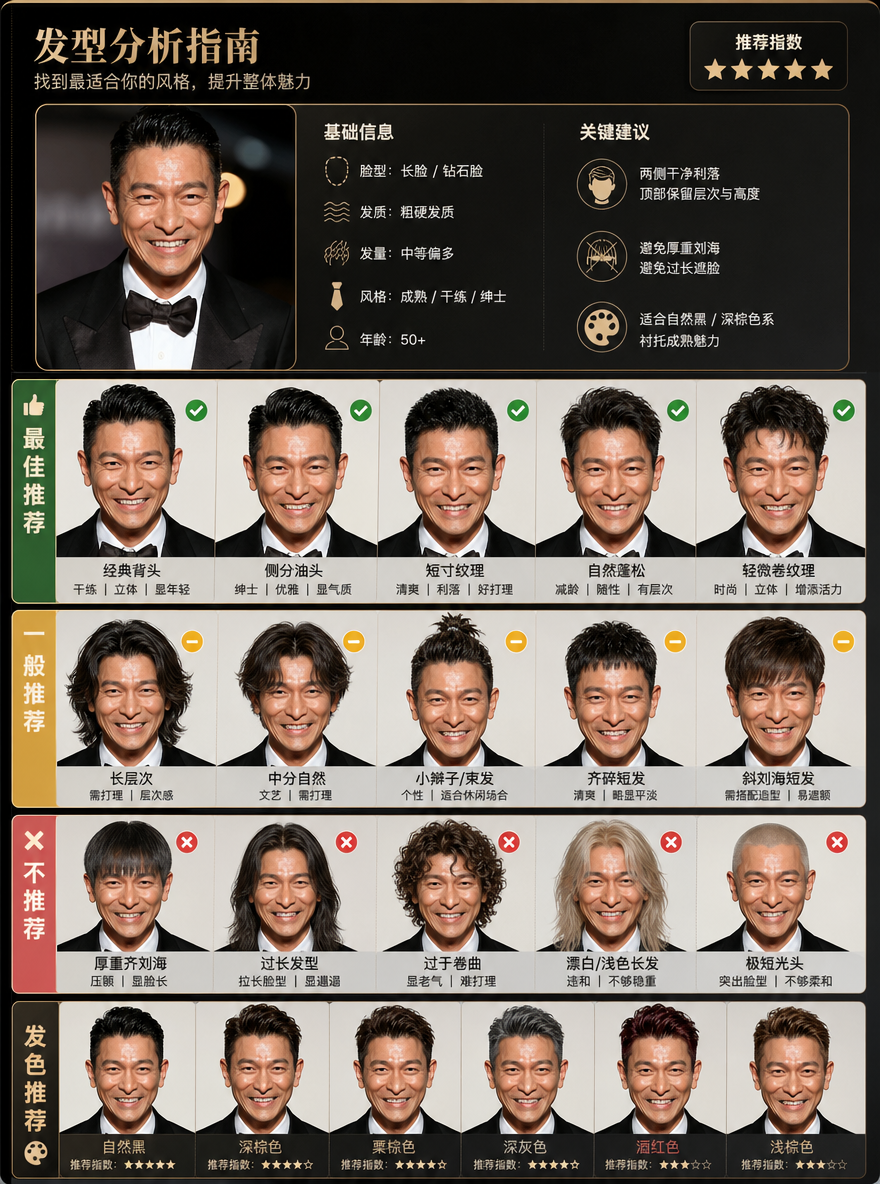
AI hairstyle changer
Upload a face photo, analyze face shape, and generate hairstyle, bangs, length, and hair color suggestions that suit you.
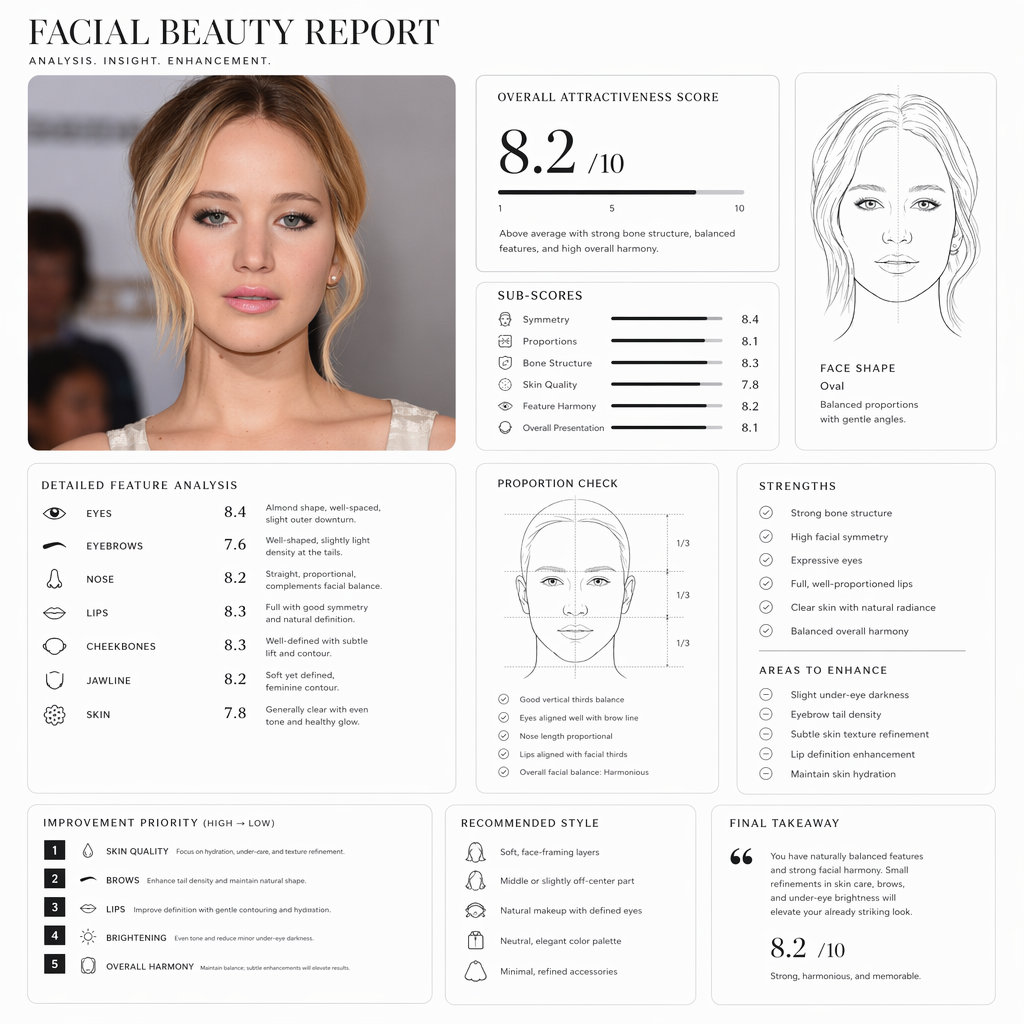
AI face rating
Upload a portrait and generate a Pretty Scale face rating report with proportions, face shape, and image suggestions.
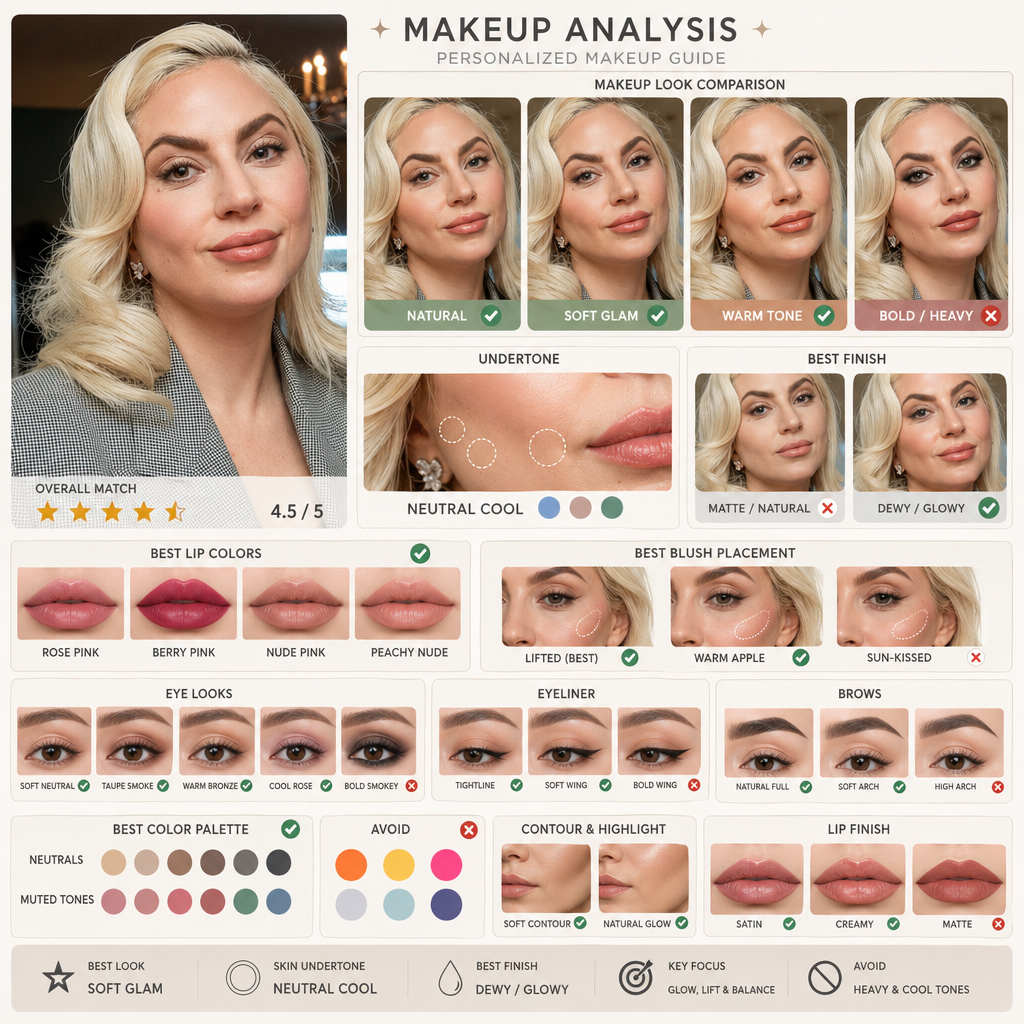
AI makeup generator
Upload a portrait, compare makeup directions and skin undertones with AI makeup, and find a look that fits you better.
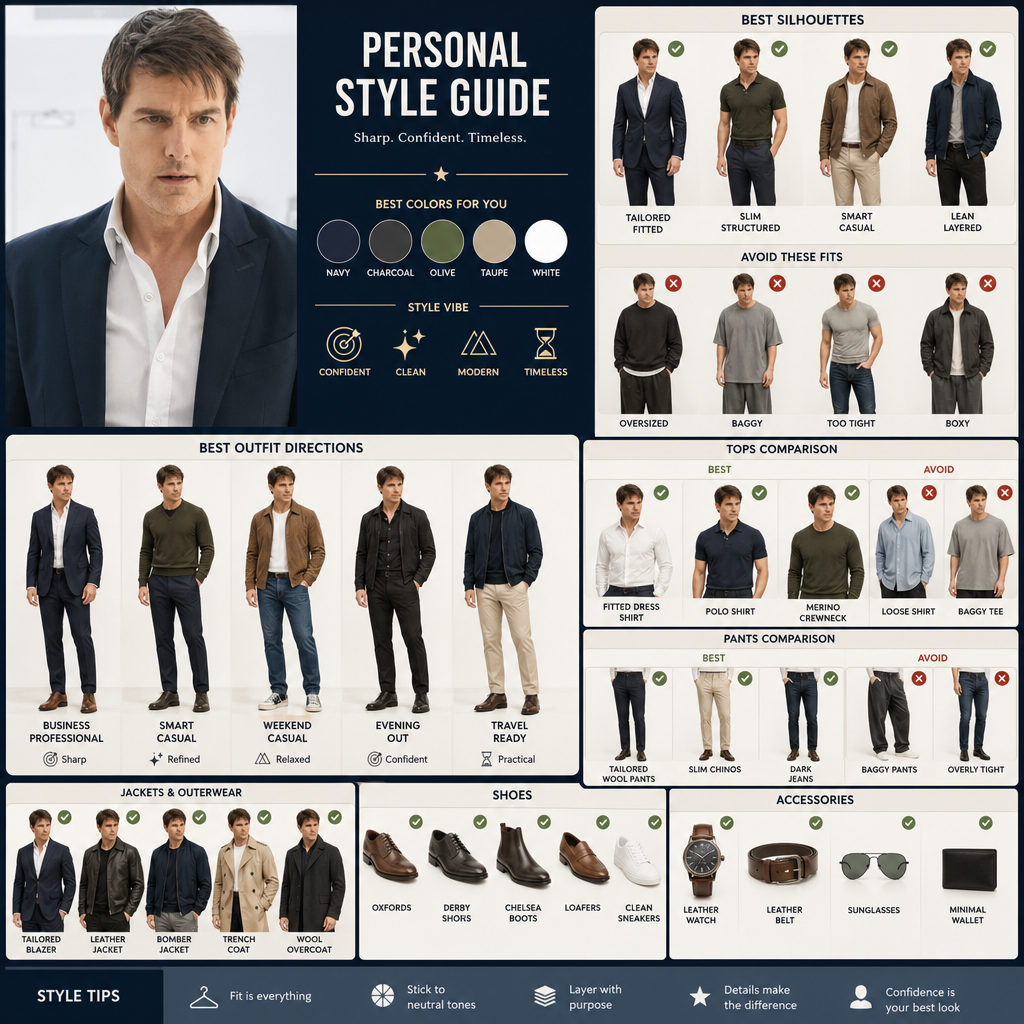
AI outfit generator
Upload a portrait, compare clothing silhouettes and styling directions, and find outfits that suit your proportions.
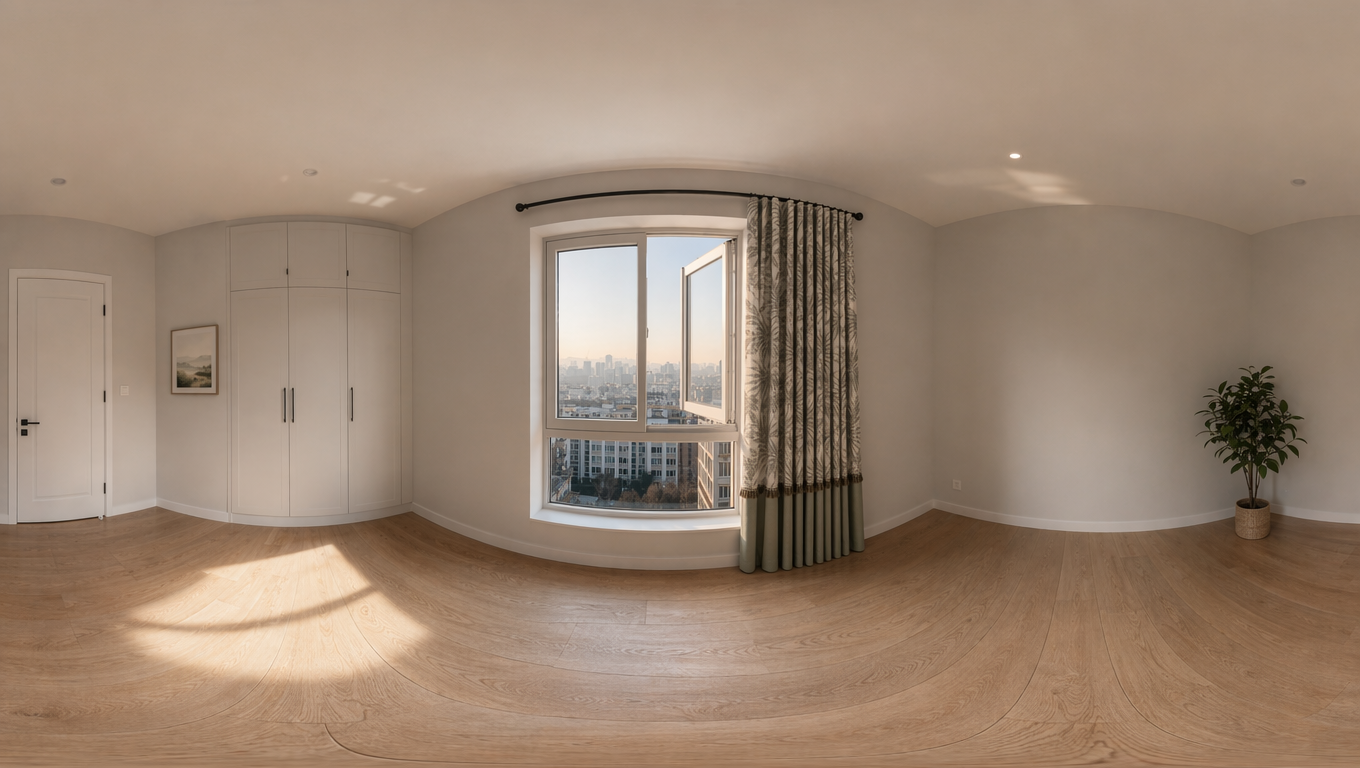
360 panorama generator
Upload an image to create a 16:9 360 World panorama, then inspect the result with an interactive viewer.
GPT Image 2 can turn prompts and reference images into finished visuals for ads, thumbnails, product images, posters, app interfaces, and brand content.
Use clear text prompts to generate posters, thumbnails, product visuals, concepts, and social media assets.
AI Builder Doodle Sketch
Case 36
When you need better control over style, composition, brand details, or object changes, upload one or more images.
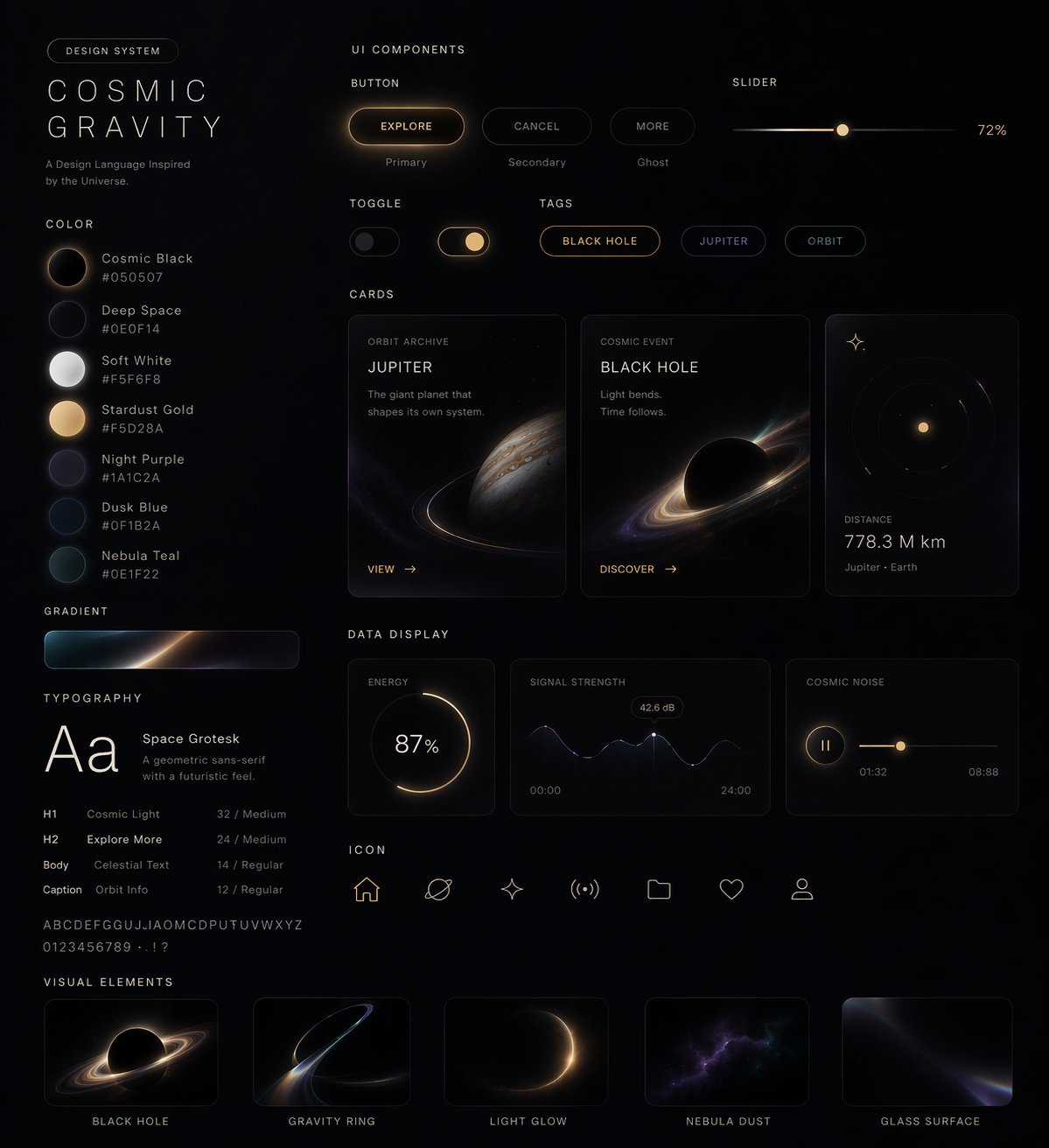
Style-to-UI Design System
Case 9
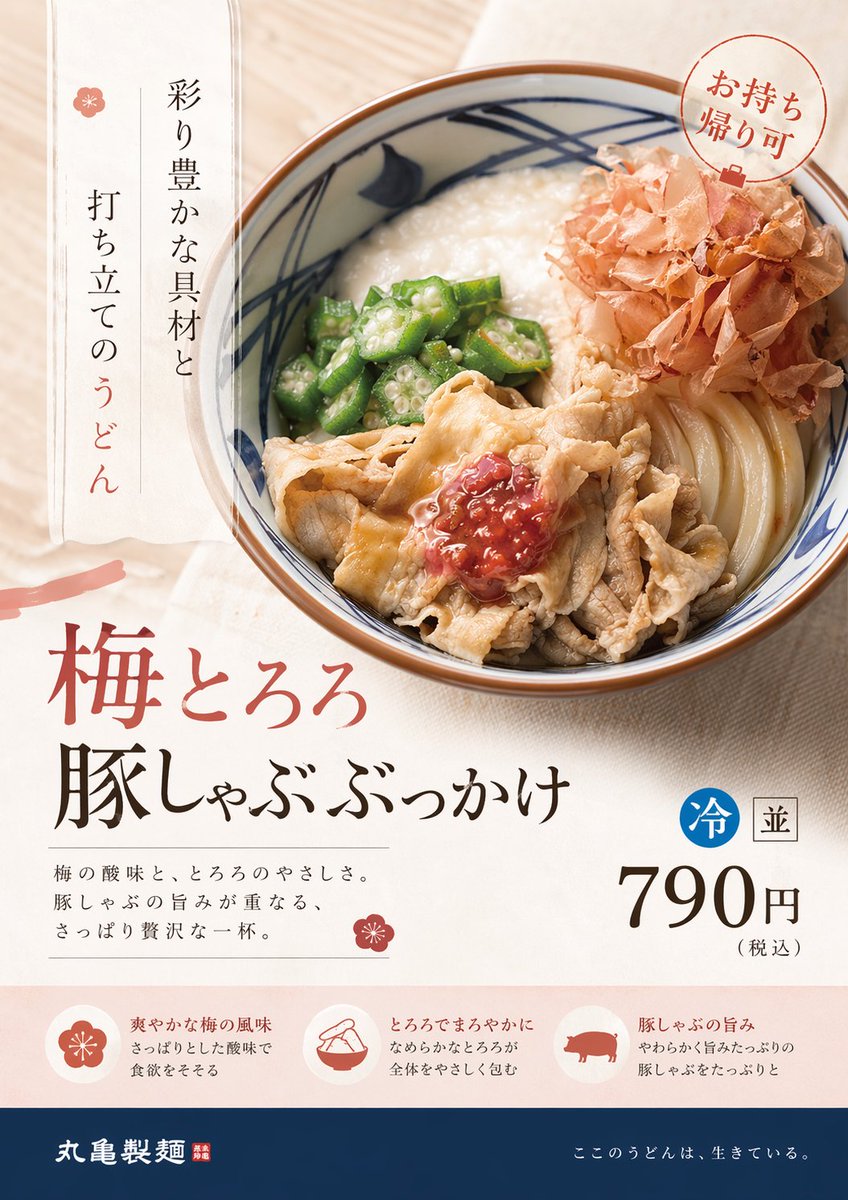
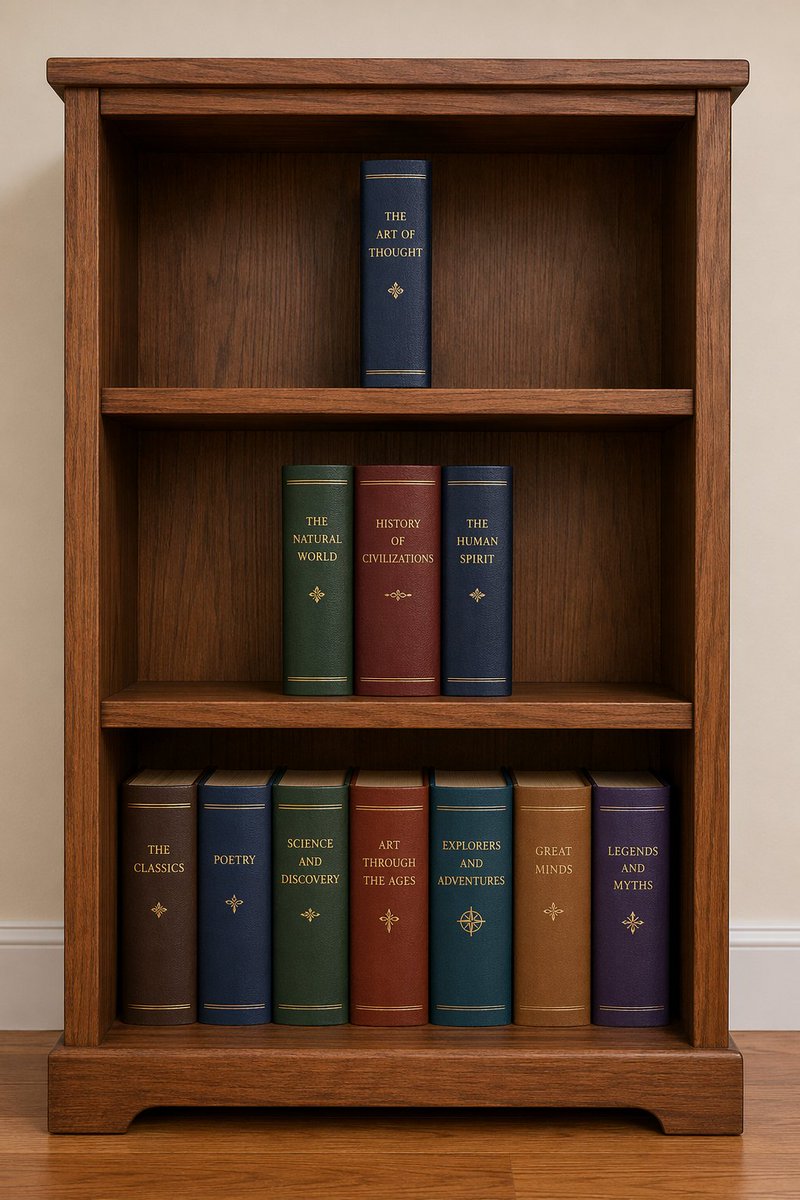
Keep recent generations nearby so you can test variations, reopen good prompts, and move into the next round faster.
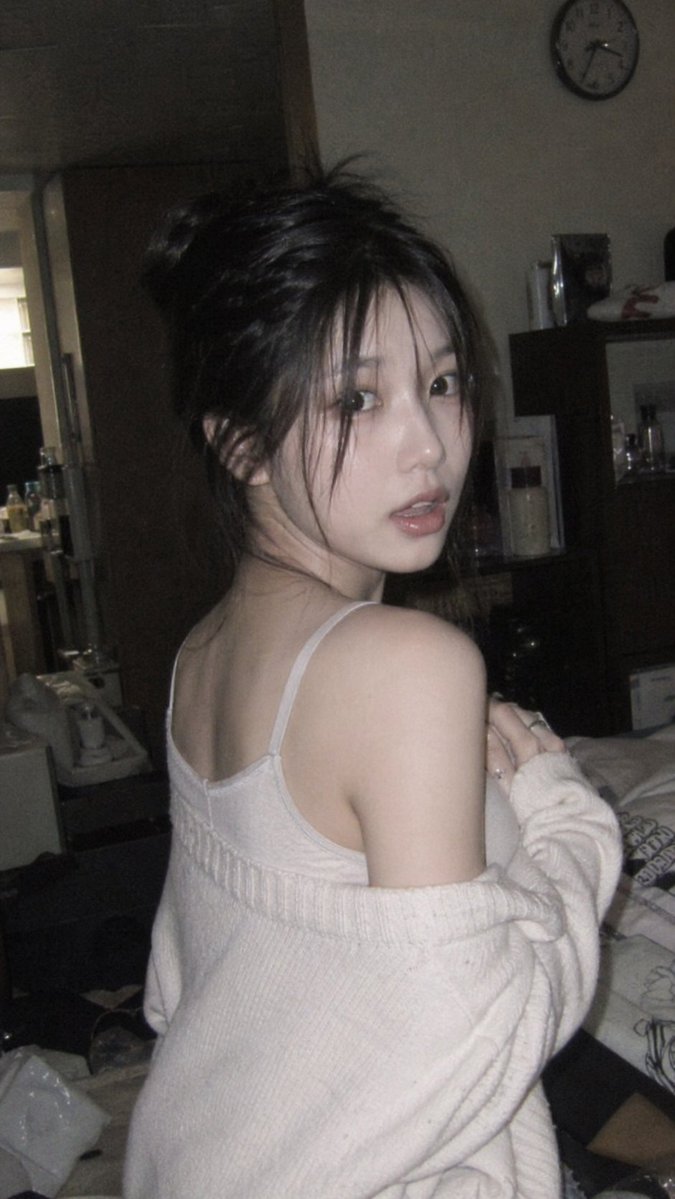
Korean Idol 3x3 Grid Portrait
Case 11
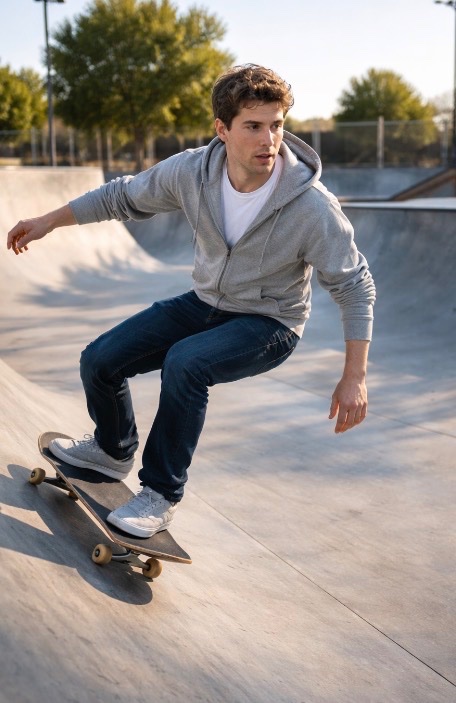
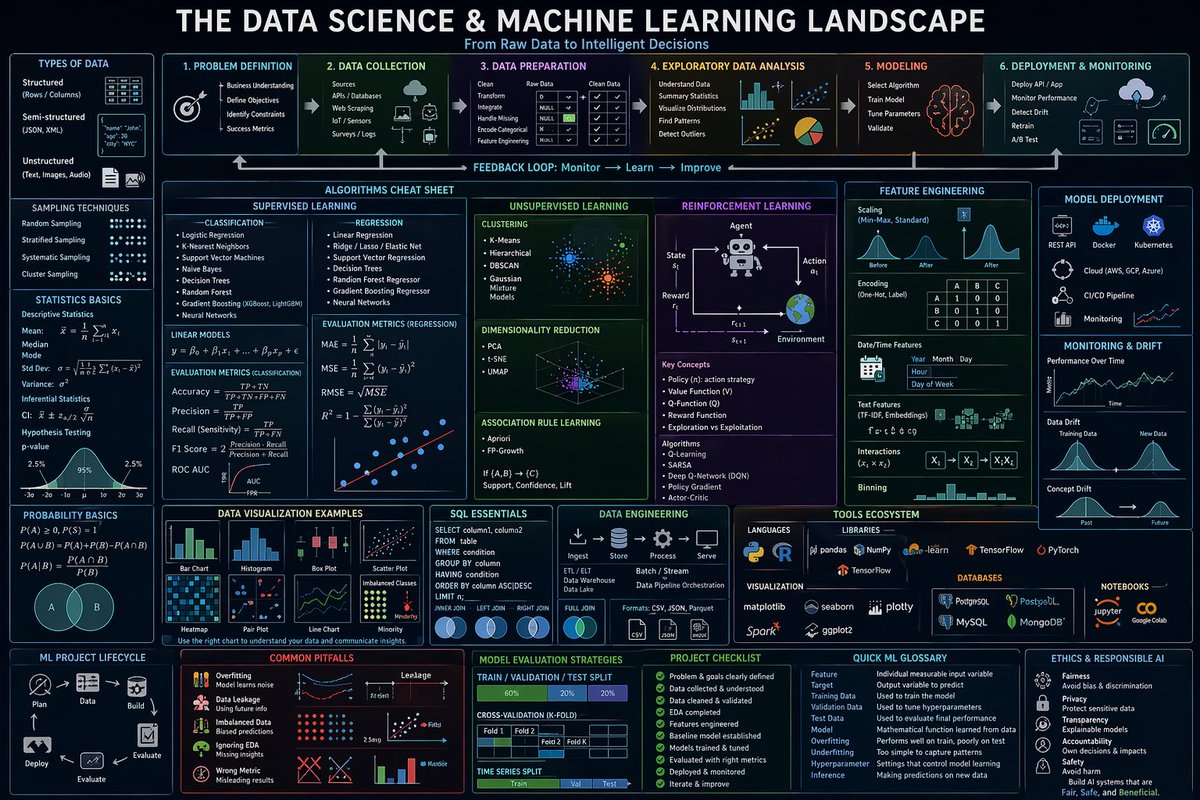
When you need a fast first draft or a directly usable asset, use GPT Image 2. Adjust size, quality, and aspect ratio so the result fits feeds, landing pages, and creative briefs.
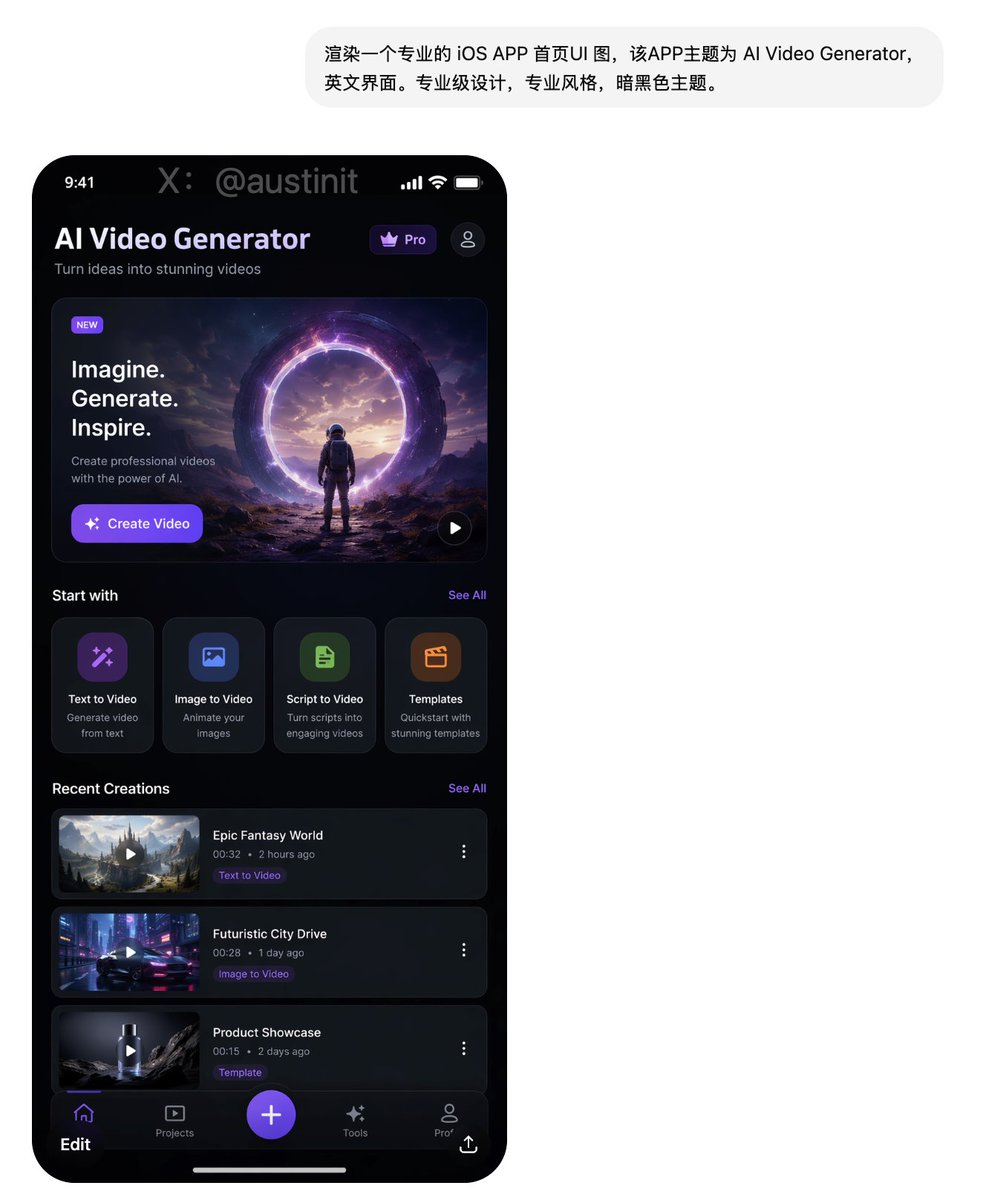
One-Prompt UI Design Generation
Case 1
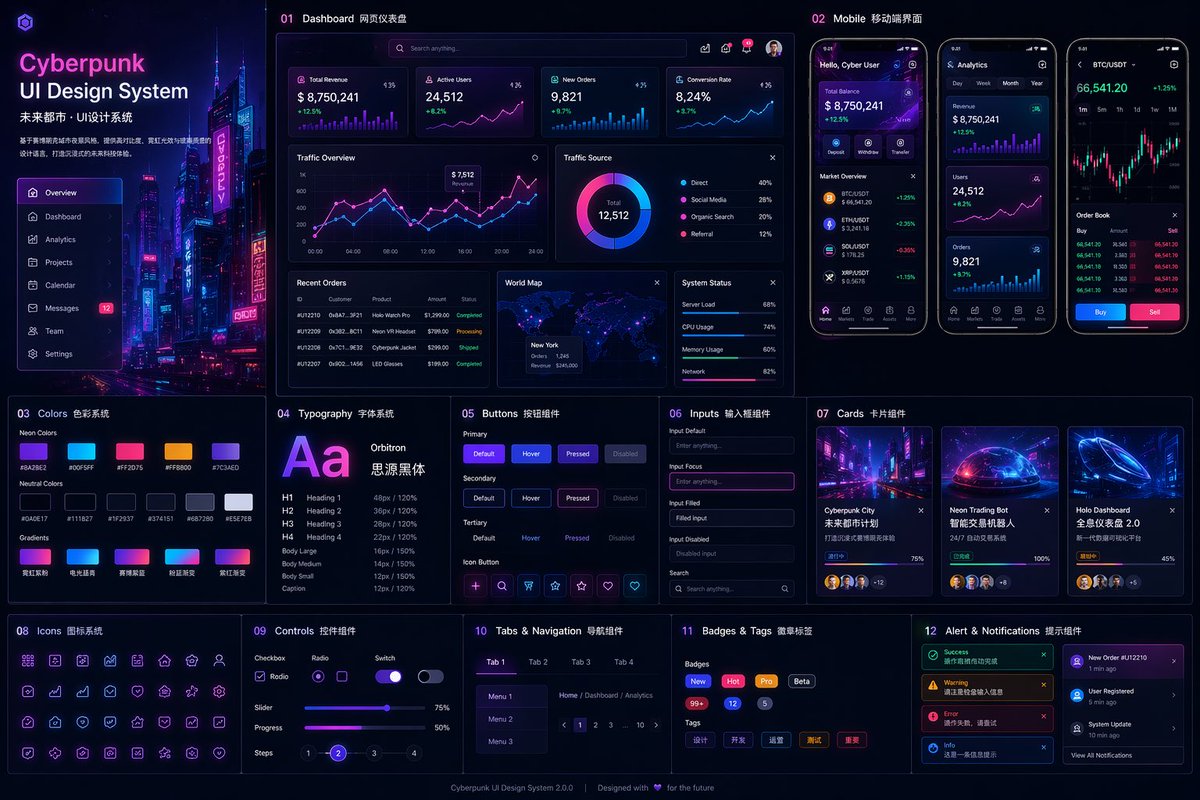
When the result needs to stay closer to the source image, upload a reference and guide the change with a clear prompt. It works well for product updates, brand assets, and layout adjustments.
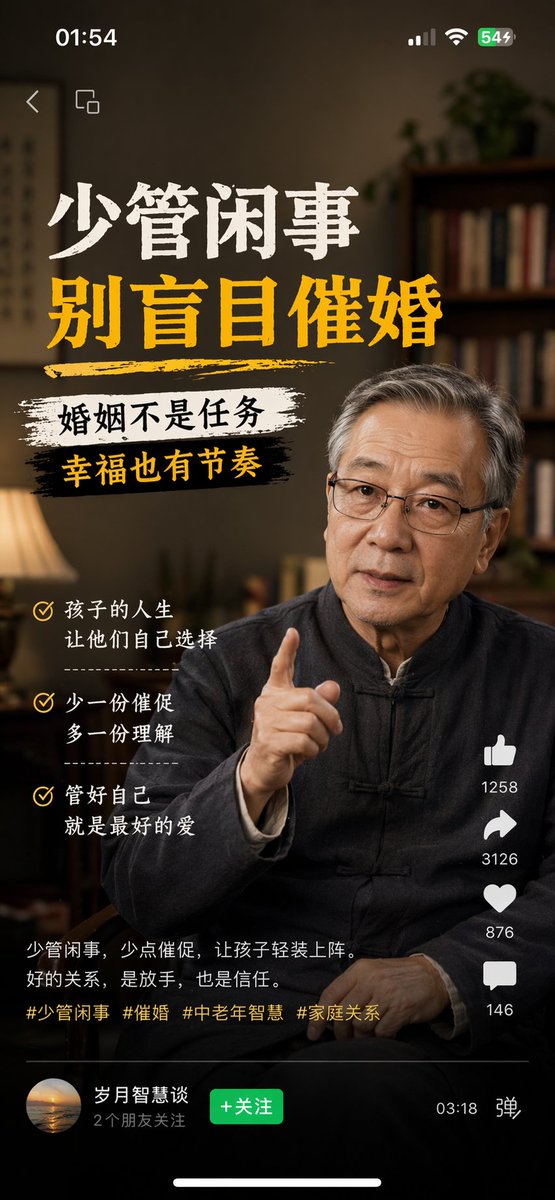
Multi-Platform Content Screenshots
Case 5
GPT Image 2 becomes more valuable when you care about image completion, text placement, and visual consistency. This workflow feels closer to producing finished visuals, not just quick sketches.
Do not only describe the subject. Also explain whether the final image is for a poster, hero section, product shot, or campaign visual. Once the deliverable is clear, GPT Image 2 can move in the right direction faster.
Add style words, reference images, layout requirements, brand details, and text hierarchy. The generated image will feel closer to a usable deliverable instead of a generic picture.
Pick the closest result first, then refine details, spacing, text rendering, and product accuracy. Often the difference comes from the last few careful adjustments, not the first generation.
If your goal is not to generate something random, but to create visuals that feel closer to finished assets, GPT Image 2 is especially suited to these scenarios.
When you need more than a single image and want a campaign visual system that can extend across multiple placements, GPT Image 2 has a clear advantage.
Examples: launch posters, holiday promotion images, countdown banners, campaign teaser visuals.
It works well for product hero visuals, packaging scenes, and brand product story images without arranging a new shoot for every version.
Examples: product hero visuals, packaging mockups, unboxing concepts, lifestyle scenes.
For feature articles, brand columns, and editorial content, GPT Image 2 can create covers and illustrations that feel less like patched-together stock imagery.
Examples: feature hero images, magazine-style covers, long-form illustrations, newsletter key visuals.
From event posters to stage backgrounds, GPT Image 2 is useful when the full visual set needs to keep a consistent style.
Examples: summit posters, agenda covers, booth backdrops, keynote background images.
Before a brand direction is fully settled, you can explore multiple paths with GPT Image 2 instead of starting with a full production process.
Examples: brand mood boards, character refresh directions, illustration style exploration, visual concepts.
When infographics, wayfinding, or retail displays need stronger composition, GPT Image 2 is a better fit than basic quick image generation.
Examples: infographics, menu boards, store posters, retail wayfinding, printed explainers.
You can use GPT Image 2 to create campaign visuals, e-commerce images, UI concepts, blog images, social posts, thumbnails, and internal design explorations.
Use the same prompt workflow to create ad concepts, launch images, social posts, and landing page visuals.
Use reference-image editing to create product hero shots, packaging mockups, and alternate background versions.
Explore visual directions, test layouts, and develop concepts before moving into more precise production tools.
Create blog images, thumbnails, explainers, and brand illustrations faster for everyday publishing.
Start for free, then upgrade once GPT Image 2 becomes part of your daily workflow.
Run through the core workflow first, then upgrade when it fits.
Best for
6 trial credits
GPT Image 2 is an image model for high-quality generation and editing. It can create images from text prompts and use reference images to adjust style, composition, and content.
Yes. You can upload one or more reference images, then use a prompt to explain what to keep and what to change, such as replacing backgrounds, adjusting style, generating product shots, or extending a visual concept.
It is useful for posters, product visuals, social media assets, UI mockups, portraits, ad concepts, blog images, and early exploration of multiple creative directions.
No. You can start from text only when creating from scratch. Use image-to-image with reference uploads when you need tighter control over subject, brand style, layout, or visual consistency.
Open the generator, write a prompt, upload reference images when needed, and create posters, mockups, product visuals, or social media assets directly in the browser.
Surreal Koi Nebula Illustration
Case 11